All Mirror Share Screen to Smart TV3.8
Publisher Description
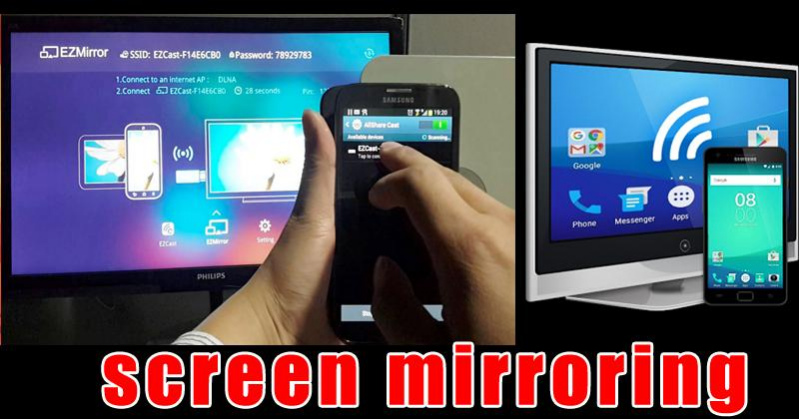
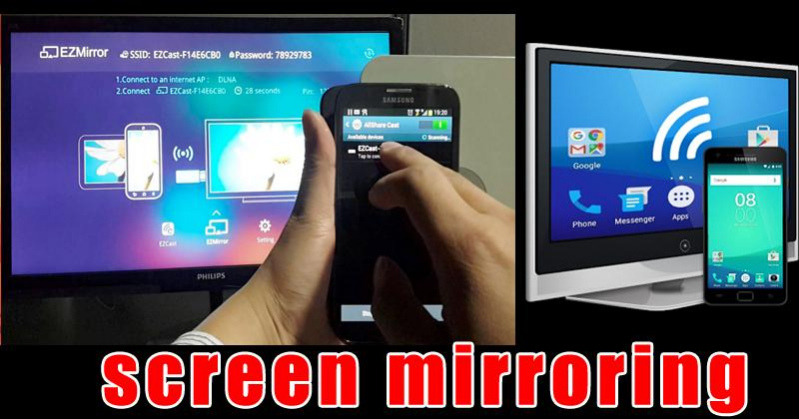
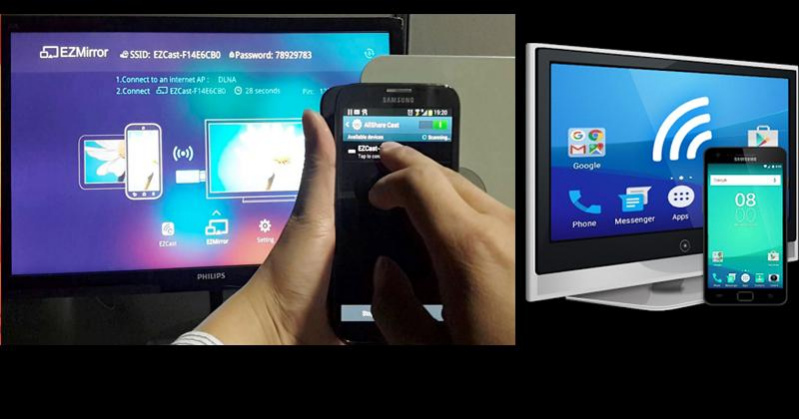
This app is able to play games,videos, music, photos, etc in my smartphone with any devices (smartphone, smartTV, laptop, tablet, etc) at anywhere.
This application can only play contents but send screen as is such as HDMI, MHL, Miracast and Chromecast.
All Screen Mirroring App for Android to smart TV screen mirroring assistant for screencasting & display smartphone mobile screen, widget & shortcut. Allshare mirror screen casting for smart TV like samsung, LG, Panasonic, Toshiba ,Sony, Vizio & roku without Wifi just by using dongles or adaptors. Enjoy streaming Video & TV cast and all local cast series.
This application provides an easy shortcut and widget to use the Miracast external display screencasting feature included in Android 4.2 and above! With this app, you will more conveniently be able to mirror your screen or use the cast feature from supported applications.
This App will assist you to scan and mirror your android phone or tab's screen on smart TV/Display (mira cast enabled ) or Wireless dongles or adapters.
Screen Mirroring Able to play videos, music, photos, etc in my smartphone with any devices (smartphone, smartTV, laptop, tablet, etc) at anywhere.Mirror screen does not need extra dongle or cable.
Features:
★ screen mirroring app
★ mirror screen
★ screen mirroring samsung tv
★ mirror tv
★ screen mirroring samsung smart tv
★ samsung screen mirroring
★ mirror cast
★ screen mirroring Samsung
★ cast screen android
★ samsung mirroring app
★ screen mirr
★ mirror screen android
★ mirroring to tv
About All Mirror Share Screen to Smart TV
The company that develops All Mirror Share Screen to Smart TV is DevFun Apps. The latest version released by its developer is 3.8.
To install All Mirror Share Screen to Smart TV on your Android device, just click the green Continue To App button above to start the installation process. The app is listed on our website since 2019-04-14 and was downloaded 102 times. We have already checked if the download link is safe, however for your own protection we recommend that you scan the downloaded app with your antivirus. Your antivirus may detect the All Mirror Share Screen to Smart TV as malware as malware if the download link to com.devtv.screenmirroring.apps is broken.
How to install All Mirror Share Screen to Smart TV on your Android device:
- Click on the Continue To App button on our website. This will redirect you to Google Play.
- Once the All Mirror Share Screen to Smart TV is shown in the Google Play listing of your Android device, you can start its download and installation. Tap on the Install button located below the search bar and to the right of the app icon.
- A pop-up window with the permissions required by All Mirror Share Screen to Smart TV will be shown. Click on Accept to continue the process.
- All Mirror Share Screen to Smart TV will be downloaded onto your device, displaying a progress. Once the download completes, the installation will start and you'll get a notification after the installation is finished.
